

Discord
Send notifications to a Discord channel using a webhook URL. Ideal for gaming communities and development teams using Discord for communication.
Create a Discord Webhook
- In Discord, open your server and go to Server Settings → Integrations → Webhooks
- Click New Webhook (or edit an existing one)
- Choose the channel that should receive RunReveal alerts
- Copy the Webhook URL
Configure in RunReveal
- Go to Notification Channels
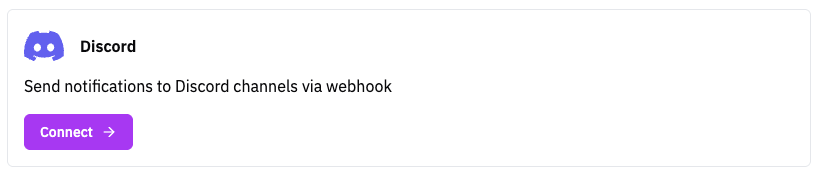
- Click Add Notification Channel and select Discord
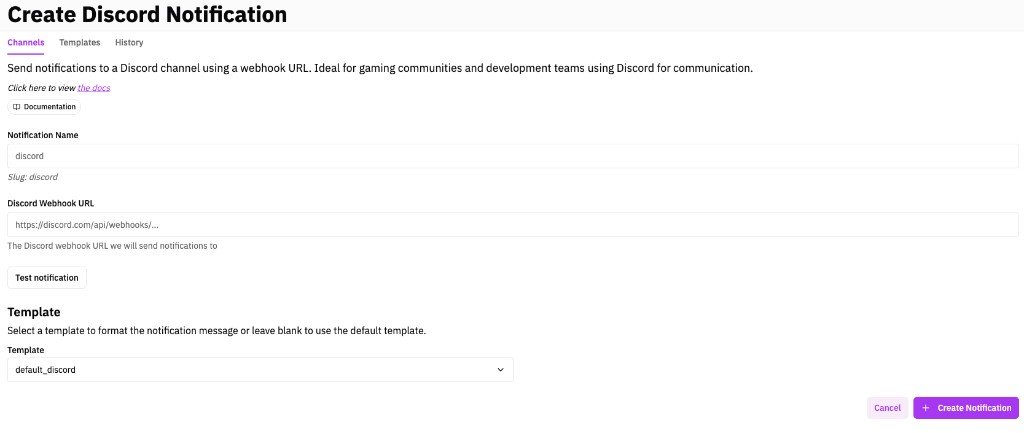
- Enter a display name and paste your Discord Webhook URL
- Click Test Notification to verify delivery
- Click Create Notification to save
Add the channel to your detections individually, within Sigma rules, or bulk-subscribe via the detection query library.