

Log ManagementLog Processing
Set TTL
The Set TTL pipeline step sets how long matching events are retained in ClickHouse, in days (sourceTTL on the stored row). Use it to shorten retention for noisy sources, meet policy, or tune cost while keeping other steps (transforms, filters, detections) unchanged.
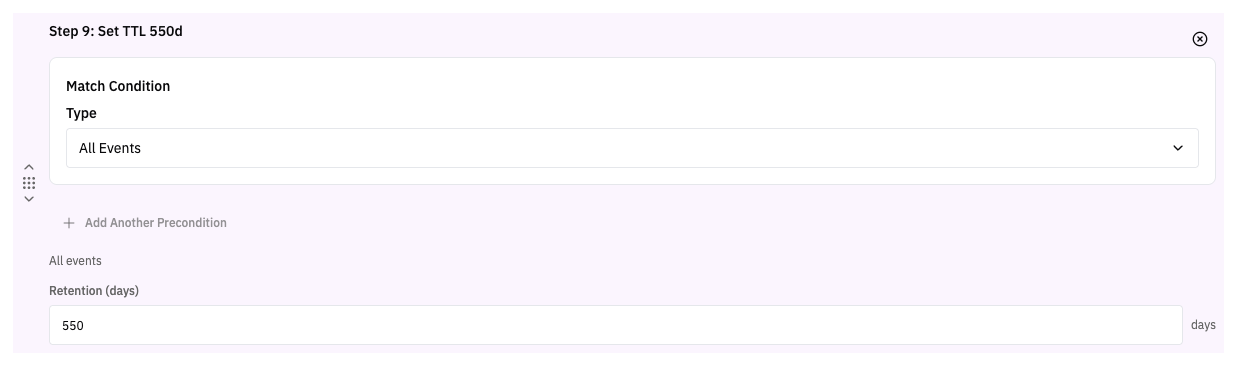
Add Set TTL from Pipelines → edit a pipeline → add the Set TTL step from the available steps pane. Use preconditions to scope which events the retention applies to.
How it works
- Valid range: 1 through 550 days (the UI label is “Retention (days)”).
- If you do not use Set TTL on an event, ingestion applies the default retention (550 days) when the value would otherwise be unset.
- The step only affects retention for events written to RunReveal Backend (ClickHouse). It does not route data by itself, so pair it with a Destination step (or your pipeline's default output) so data is written where you expect.
Place Set TTL where it matches the events you want to adjust (using the same precondition model as other steps). Order it alongside your other processing steps; it runs in pipeline order before routing completes.
Related documentation
- Pipelines: Topics, step order, and preconditions
- Destinations: Configuring storage and Destination steps