

reveald log collection
Reveald is RunReveal's log collection agent. It runs as a lightweight daemon on your hosts, collecting logs from files, journald, syslog, Windows Event Log, and other sources, then forwarding them to RunReveal in batches.
Setting up a reveald source
Create a reveald source in RunReveal
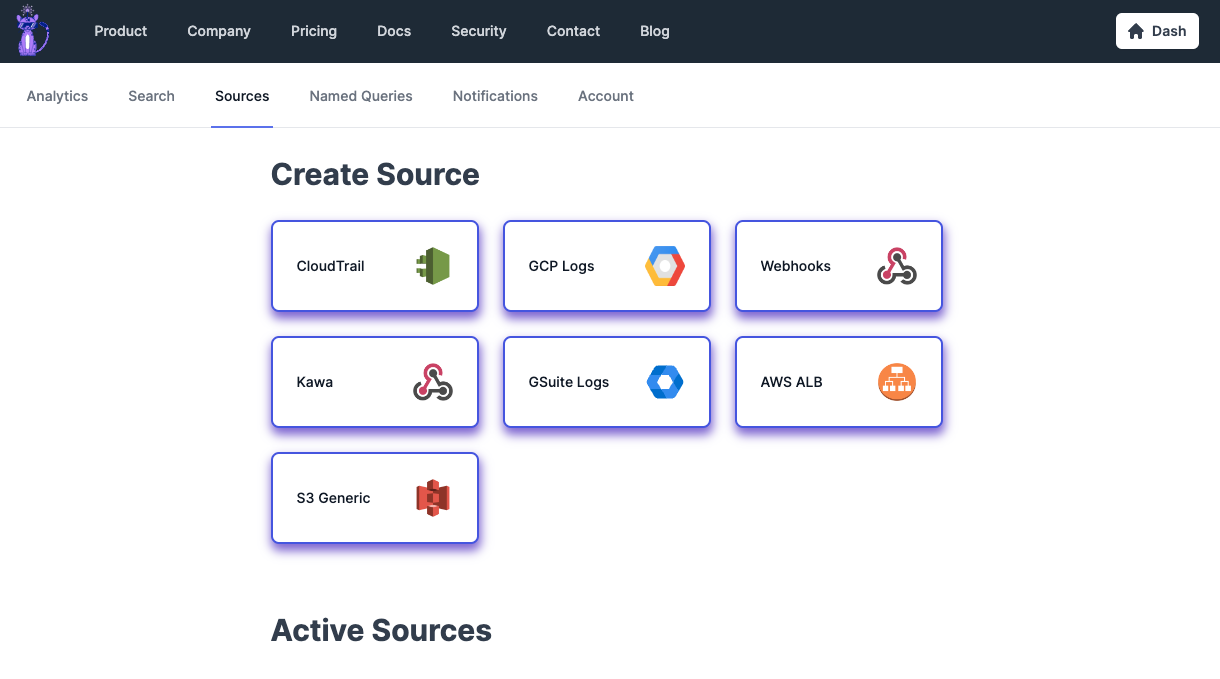
- Navigate to Sources in your RunReveal dashboard
- Click Add Source and select Reveald
- Give your source a name and description
- Click Save
Copy the webhook URL
After saving, copy the generated webhook URL. You'll use this to configure the reveald agent on your host.
The webhook URL looks like: https://api.runreveal.com/sources/reveald/webhook/<id>
Configure and run the reveald agent
See the reveald documentation for full installation, configuration, and deployment instructions.
For detailed guides on all source types, destinations, processors, and deployment options, see the reveald documentation.
Schema
The following columns are exposed for this source. RunReveal applies schema normalization across all sources, ensuring uniform field names and data types for cross-source queries and reusable detection logic.
Table: runreveal_logs (22 columns)
runreveal_logs (22 columns)| Column | Type |
|---|---|
id | String |
receivedAt | DateTime |
workspaceID | String |
sourceType | String |
sourceID | String |
eventID | String |
eventName | String |
eventTime | DateTime |
readOnly | Bool |
srcIP | String |
resources | Array(String) |
serviceName | String |
srcASOrganization | Nullable(String) |
srcASNumber | Nullable(UInt32) |
srcASCountryCode | Nullable(String) |
dstIP | String |
dstASOrganization | Nullable(String) |
dstASNumber | Nullable(UInt32) |
dstASCountryCode | Nullable(String) |
actor | Map(String, String) |
tags | Map(String, String) |
rawLog | String |